1
Select a style
Define the direction first. Choose a style like pop, ballad, or cinematic as your base.
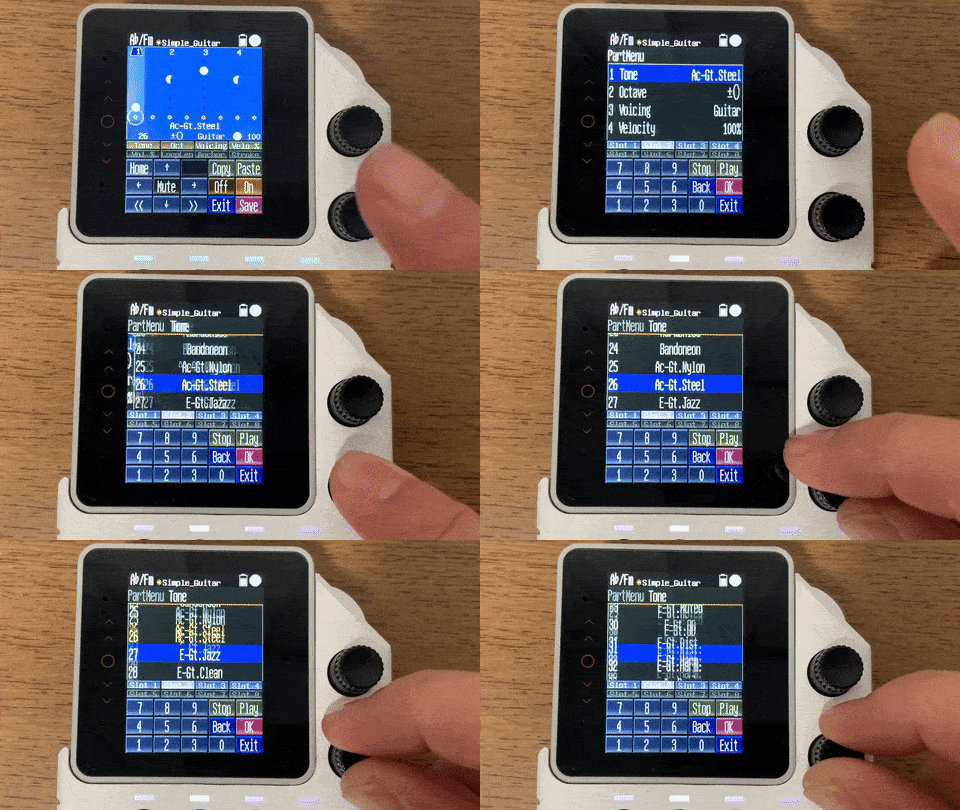
Define the direction first. Choose a style like pop, ballad, or cinematic as your base.
Capture your progression ideas immediately, then refine. This keeps your first inspiration intact.

Trim unnecessary bars and shape transitions to build sections like verse and chorus.

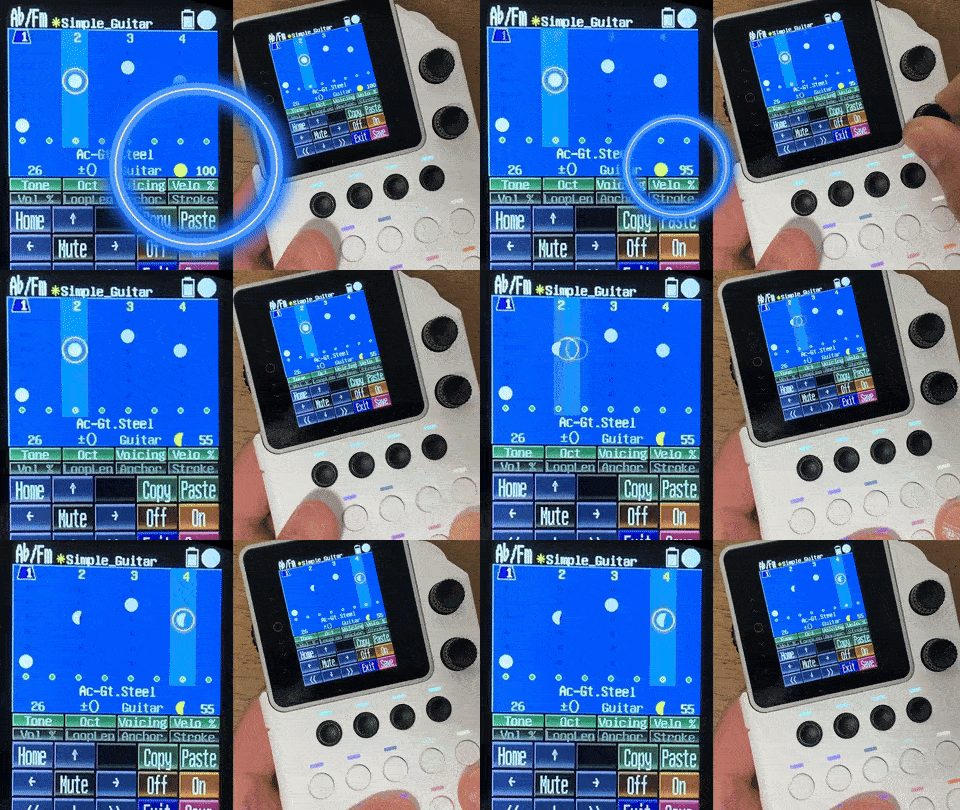
Create groove variations with 32-step patterns, even when using the same chord progression.
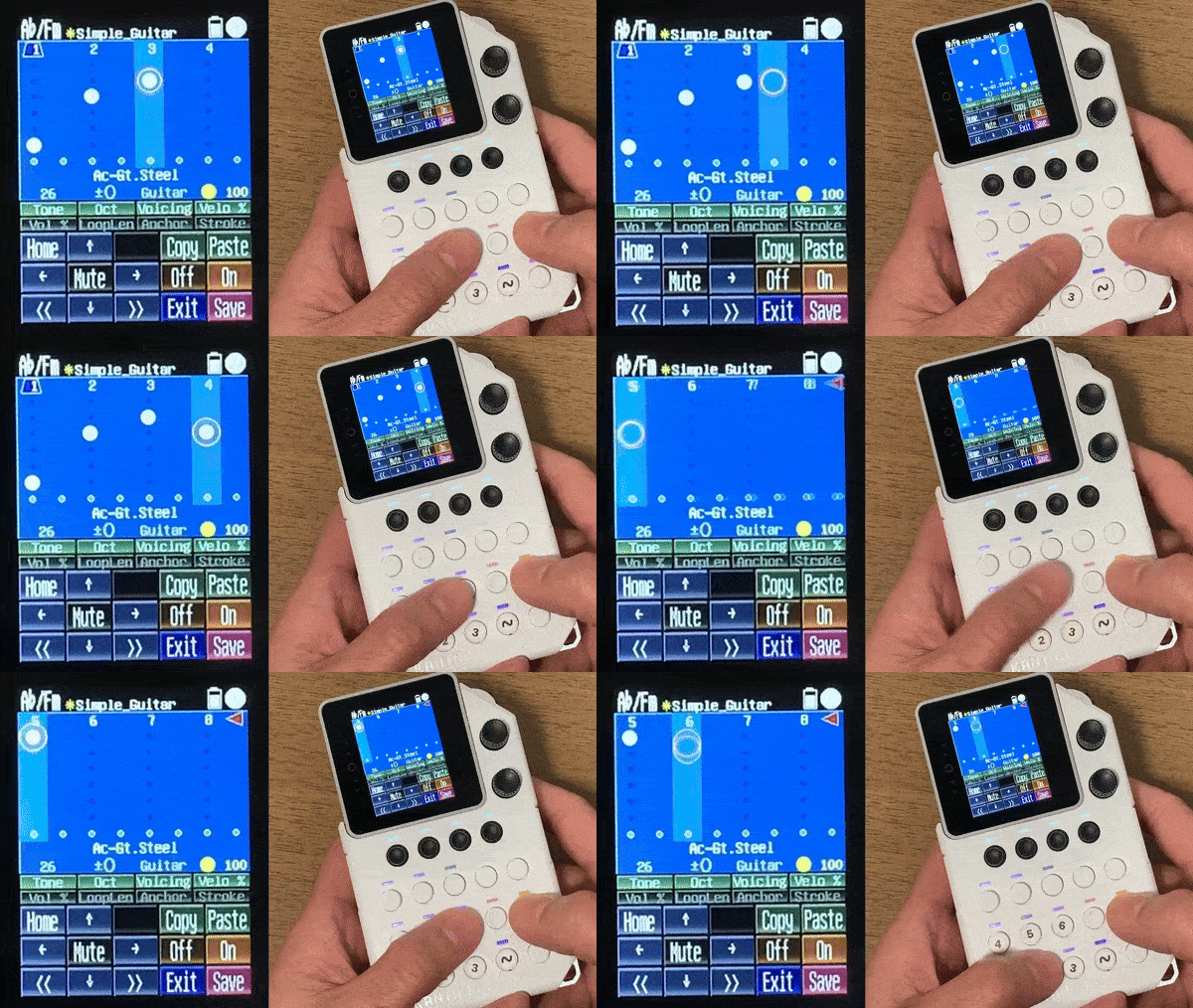
Adjust tempo, tone, and pattern switching, then export or continue in your production environment.