How to compose
1. Choose a Song Style

- Press the lower dial
- 1. Song → 1. Open → 3. User Songs.
- Sect “Song” or “Genre”.
- Exit
※ More preset song data will be available through future firmware updates.
※ User presets can be saved to an SD card.
2. Record Chord Progression
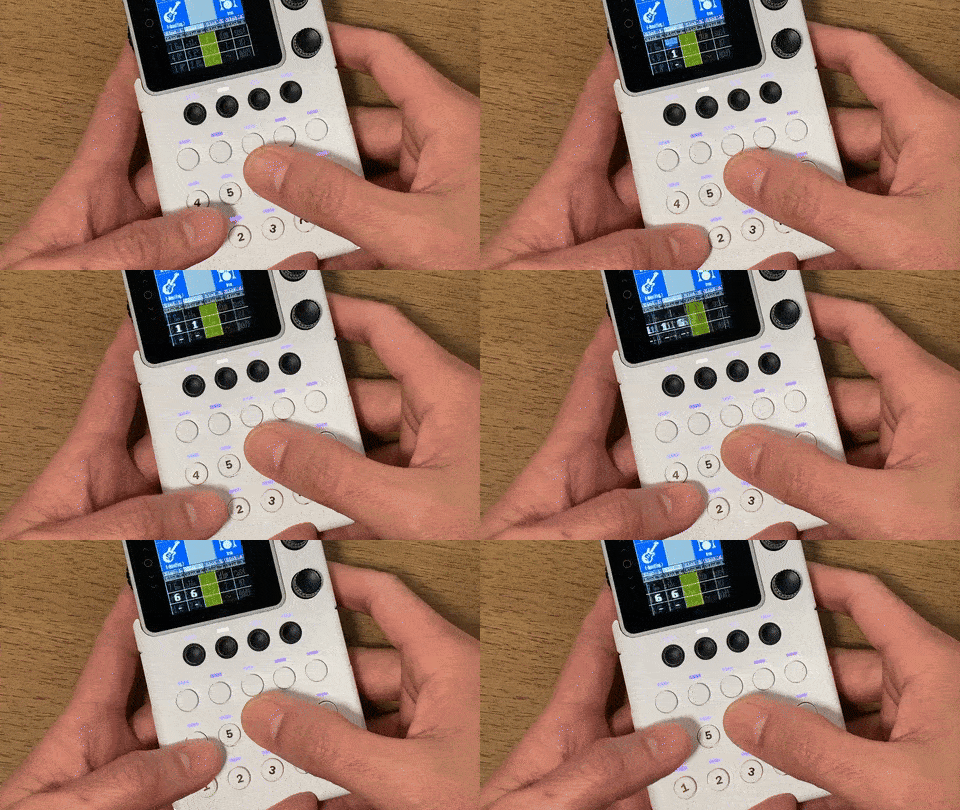
- From the menu, select:
- 1. Song → 4. Recording → 1. On
- Exit
- Press buttons to record.
3. Edit
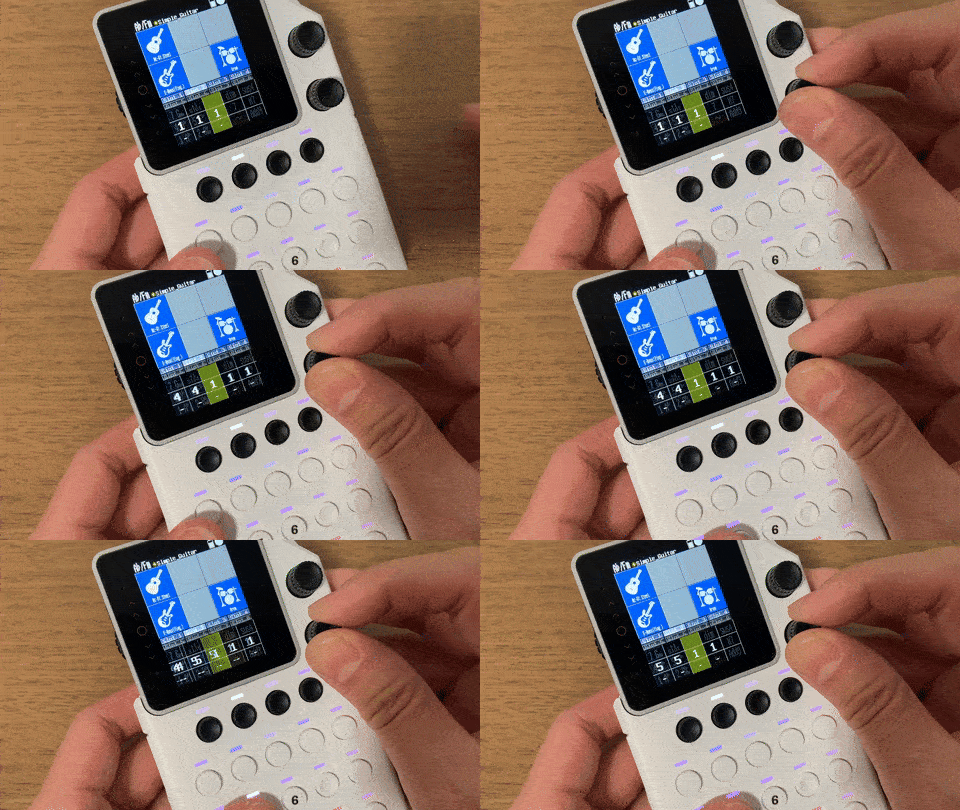
- turn the lower dial back/forward and re-enter.
4. Sequence the Arpeggios
- From the menu, select:
- 1. Song → 4. Recording → 1. Off
- Exit
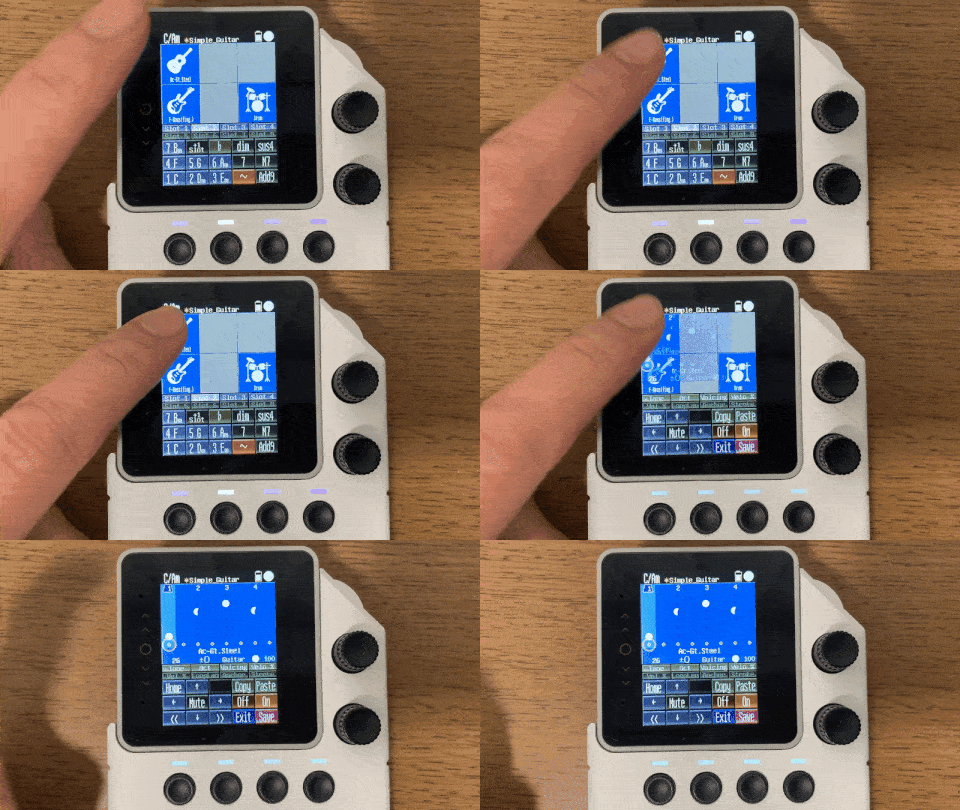
- Press and hold an instrument icon.
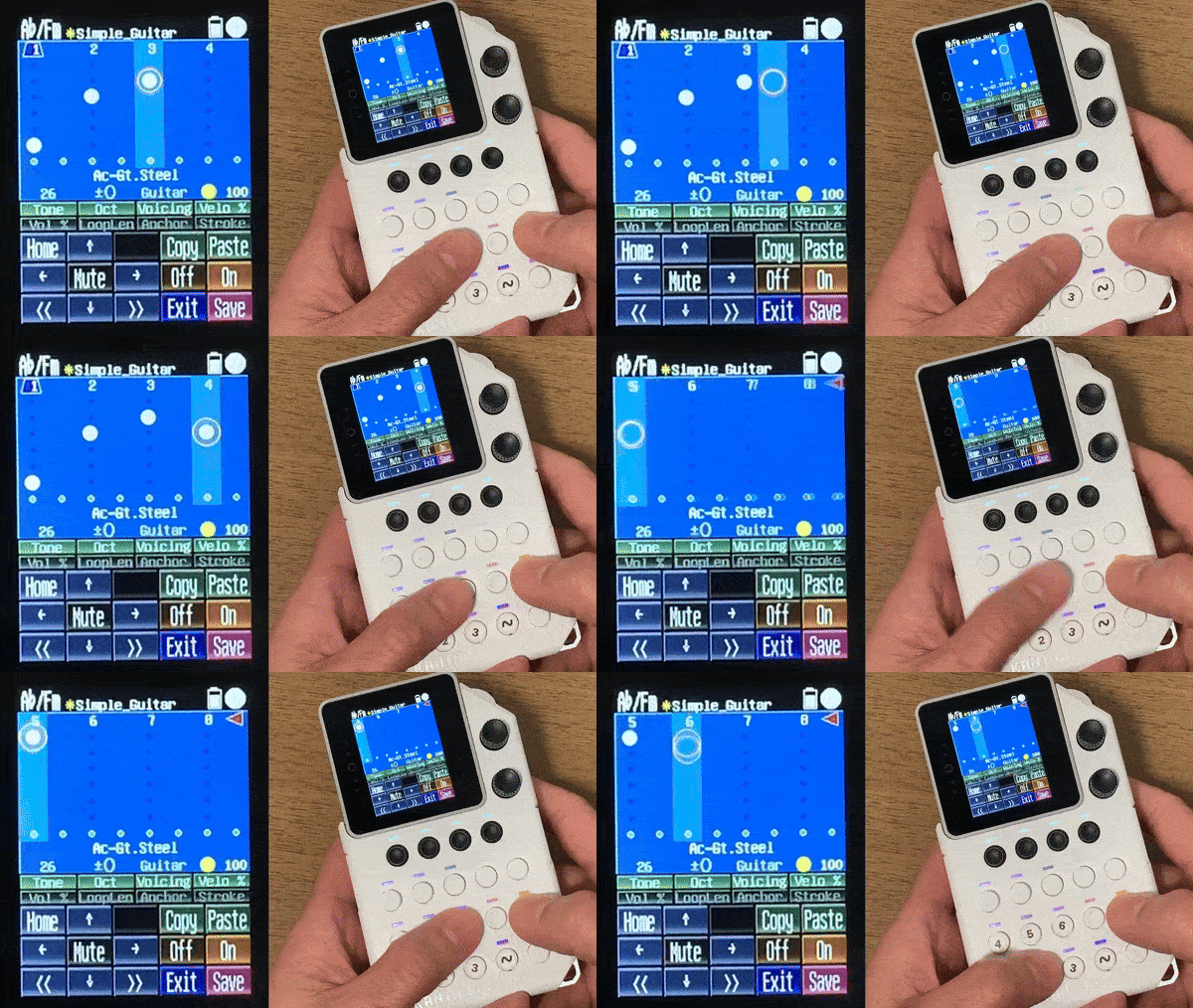
- Use arrow keys to move cursor.
- Press On / Off button to input notes.
※ Button functions are shown on the screen.
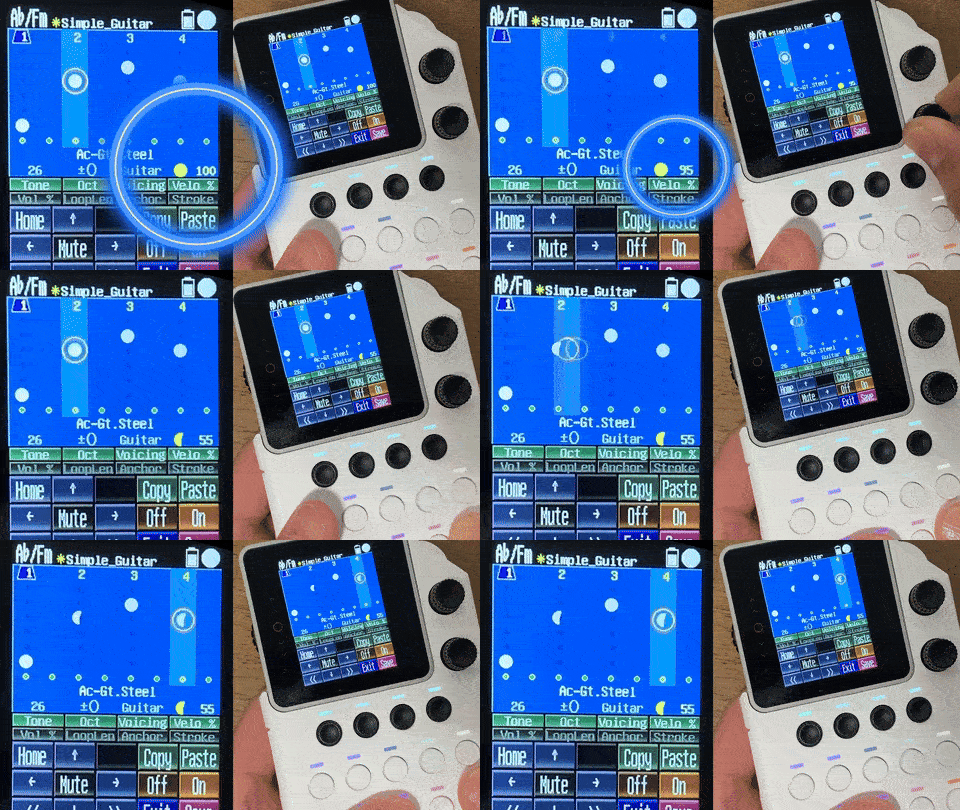
Each notes are displayed as white circles.
A full circle is 100% velocity, a half-circle is 50%, and so on.
5. Other settings
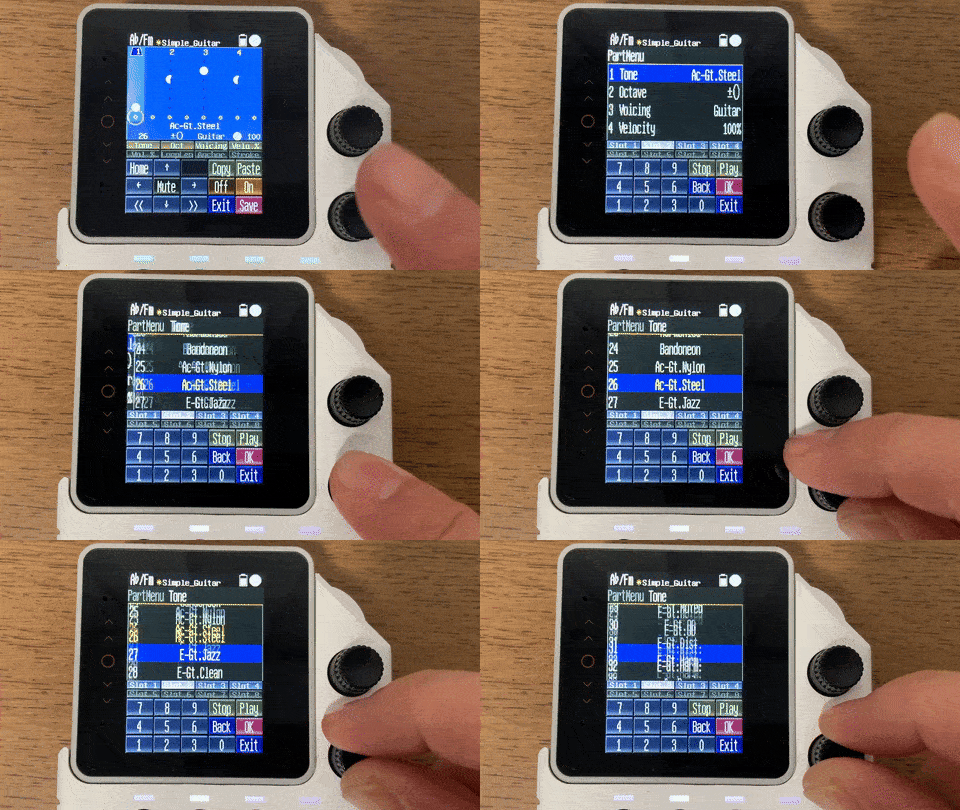
- Press the lower dial to open the instrument settings, to adjust various parameters.